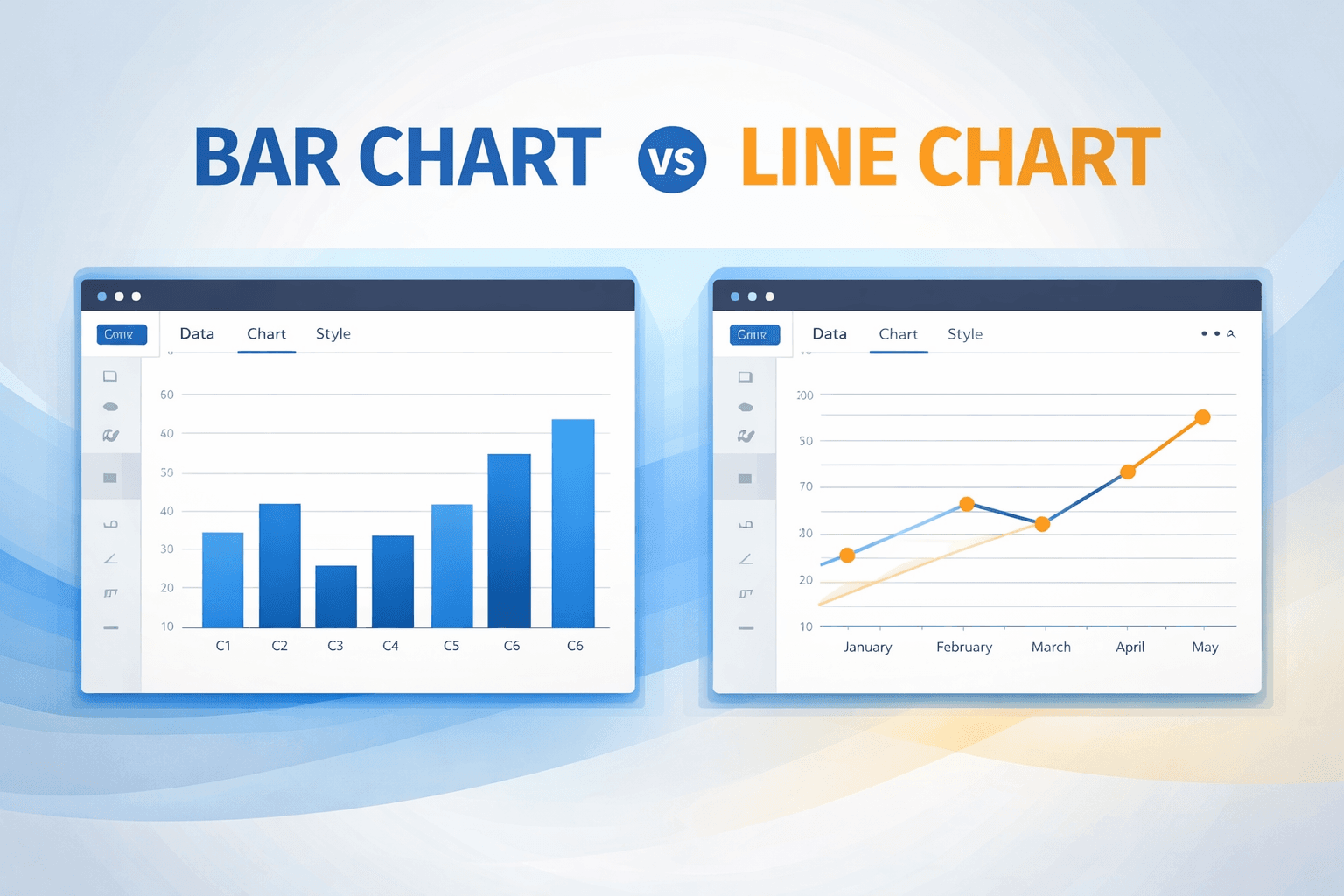

You can create a chart online without Excel: pick a type, paste labels and numbers in the browser, then download PNG or JPEG. No formulas, no Chart Tools ribbon, no account.
Excel is good at calculating. It is awkward at making a picture for other people. Default gray plot areas, tiny legends, and a PNG you screenshot from a window that was never meant to be a slide. A browser chart maker exists for that second job.
Why Excel charts look like analysis, not a slide
Edward Tufte called this the data-ink ratio: ink should earn its keep by showing data. Spreadsheet defaults do the opposite. They add grid, border, shadow, and legend chrome because the chart is a by-product of a workbook, not the product.
Two different jobs:
- Analysis charts are for you. Lots of points, messy ranges, formulas still attached. Fine.
- Presentation charts are for everyone else. One idea, readable at a glance, no decoration that does not help.
When you paste an Excel default into a deck, you import the first job into a room that needed the second. Online makers skip the workbook and start at “this has to be a picture.”
How to create a chart online
- Strip the sheet down to labels and values. Months and revenue. Product names and units. Channels and sessions. Nested headers and spare totals will only confuse the paste.
- Paste into a browser maker. On CreateCharts you type or paste, and the preview updates immediately. No sign-up.
- Cut ink that is not data. Light grid or none. No 3D. Short labels. Direct labels on bars or slices beat a legend that makes people ping-pong.
- Color on purpose. One series, one color. Highlight a single bar or line if that is the story. Leave the rest quiet. Color in data visualization covers palettes and color-blind pairing.
- Export PNG or JPEG. PNG for slides and web. JPEG if the file has to stay small. CreateCharts does not export SVG. If you need a vector for print, that is still a desktop-design problem.
Chart type cheat sheet
| Question | Chart |
|---|---|
| Which group is bigger? | Bar |
| How did this change over time? | Line |
| How do several series move together? | Multiline |
| How do a few parts add up to 100%? | Pie or doughnut |
| Values that do not add to a whole | Not a pie. Use bars. |
What you give up by leaving Excel
Honesty requires the other side of this.
Excel still wins for pivot tables, live workbooks, and charts that must update when cell C14 changes. A browser maker is a one-shot: you paste, you download, you move on. There is no linked workbook. If your chart is a dashboard, stay in Sheets or a BI tool.
For a Thursday standup slide, the one-shot is the feature.
Frequently asked questions
What is the easiest way to make a chart without Excel?
Open a free browser chart maker, paste two columns, download an image. That is the whole path. You do not need Canva skills or a template marketplace. You need the right chart type and a file that is not blurry.
Can I paste from Google Sheets?
Yes. Copy the label column and the value column, paste into the form. If the preview looks wrong, you probably grabbed a header row twice or a total row you did not mean to include.
Will the chart look professional without a designer?
It will look cleaner than a default spreadsheet chart if you start at zero on bar charts, limit pie slices, and avoid a rainbow palette. “Professional” here means readable, not decorated. Fonts and spacing are already set in the maker.
Is there a free chart maker with no sign-up?
CreateCharts is one. Bar, line, pie, doughnut, and multiline. Download PNG or JPEG. No account and no credit card.
Try it
Start from the free chart maker, or jump to a bar, line, or pie chart. If bars are the job, the step-by-step is how to make a bar chart online.